

Table of Contents
Home office built-in desk upgrades have surged in popularity among homeowners seeking a permanent and stylish workspace, but getting lasting ROI depends on smart planning, careful material selection, and overlooking nothing in the details.
Key Takeaways
- Custom built-in desks add 3–5% to home resale value with satisfaction rates above 80%—when storage and ergonomics are tailored to your work style.
- Neglecting acoustics, cable management, and power access are the most frequent sources of homeowner regret with built-in offices.
- Choices in materials, finishes, and layout determine not just aesthetics, but maintenance, durability, and long-term adaptability—impacting everyday quality and ROI.
Why a Built-In Home Office Desk Is a Smart Investment
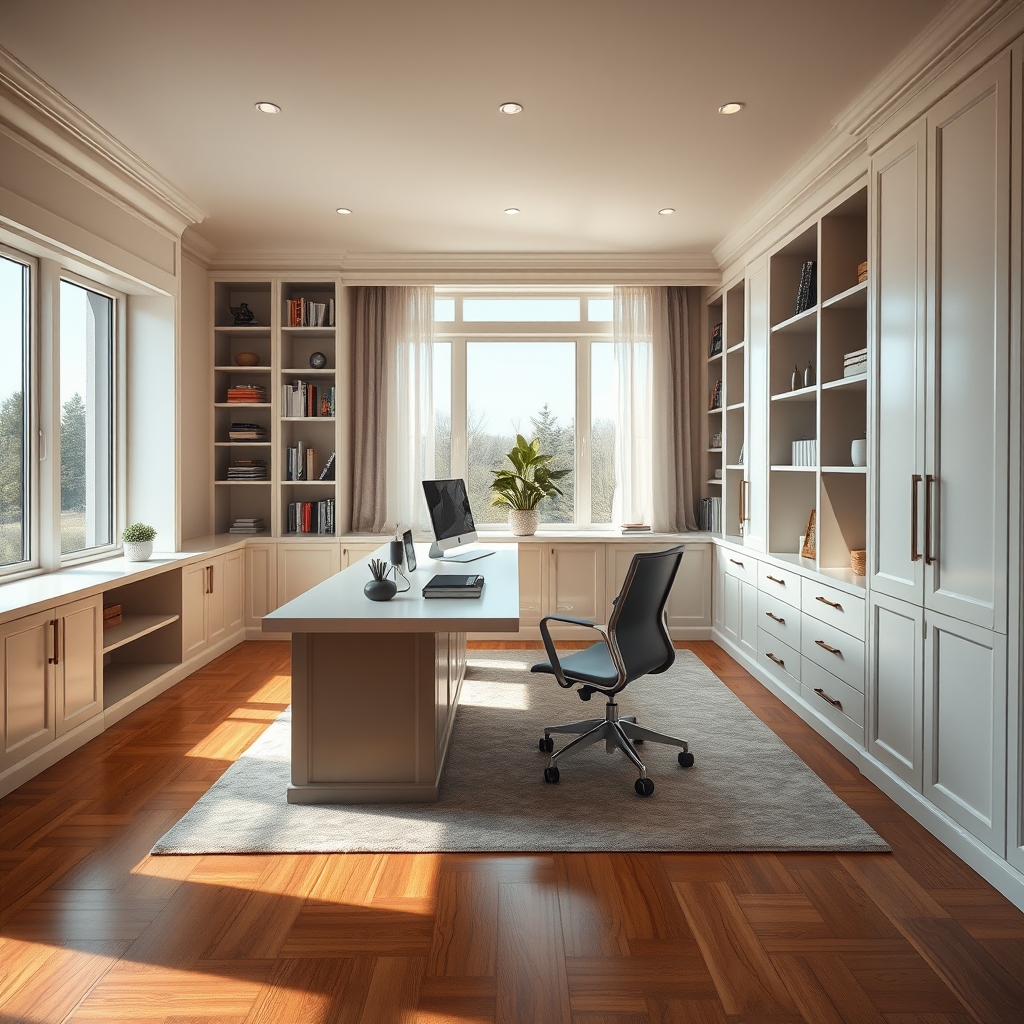
Opting for a home office built-in desk is about permanent value—not just a stylish upgrade. Compared to freestanding desks, custom built-ins maximize your space, integrate with your home’s architecture, and can drive a 3–5% increase in home resale value. On a typical $1.5K–$6K investment, the average ROI is $4K–$6K, and a recent survey showed 84% of owners are “very satisfied” with their built-in workspace.[Source] Unlike temporary desks, a custom built-in boosts satisfaction and productivity year after year, including as work-life needs evolve. These projects are especially worthwhile for those investing in long-term property value or hybrid/remote work lifestyles.
Planning Your Perfect Workspace: Measuring and Mapping for Success
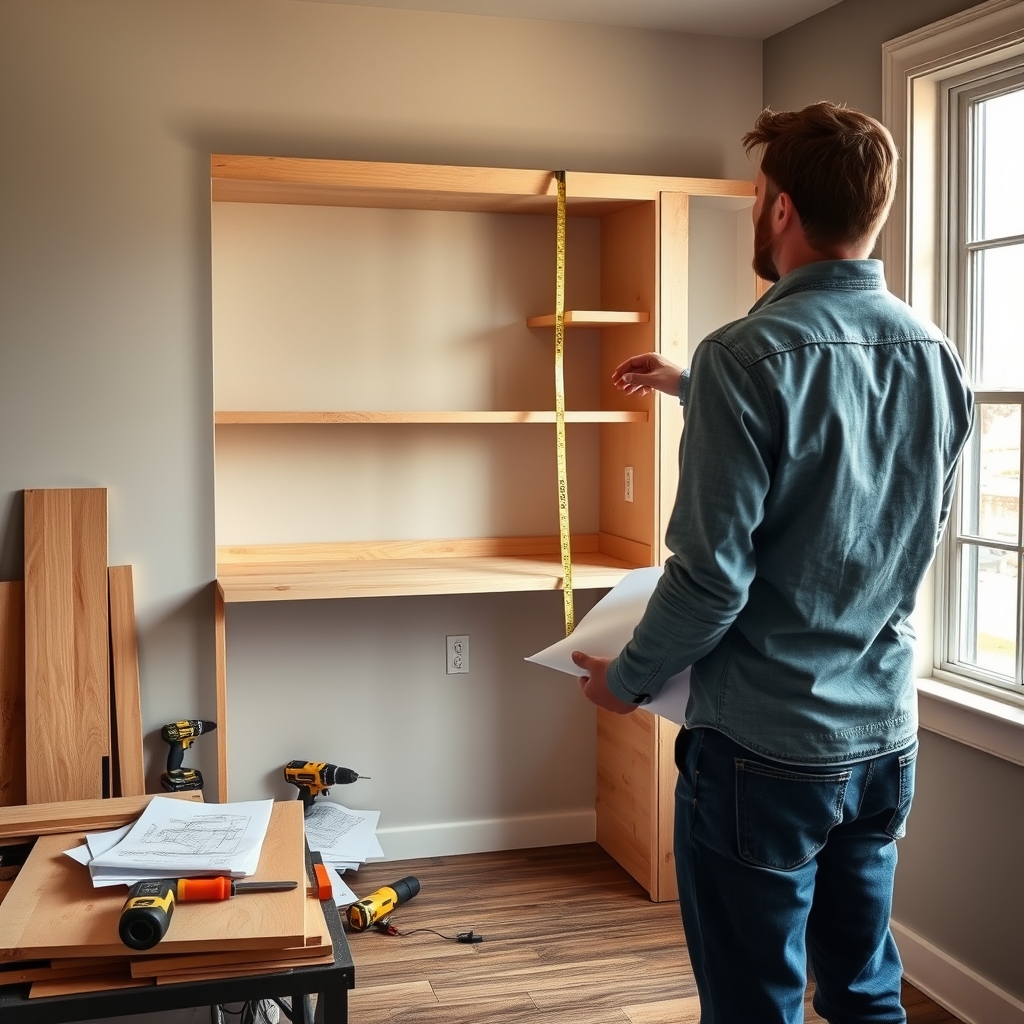
Great results start with a clear plan. Begin by measuring your available space—especially if you have a home office alcove design or are transforming a guest room, basement, or unused nook. Standard desk surfaces run 48–72 inches wide and 24–36 inches deep, with ergonomic desk height typically between 28–30 inches. Shelves on a built-in bookshelf office wall are usually 12 inches deep and 14–16 inches high for books, decor, and supplies.[Source] Sketch your best wall, account for clearance for walking, and consider where light—from windows or built-in fixtures—will help reduce eye strain. Don’t forget: plan for outlets, cable routing, and airflow, especially if you rely on multiple monitors, printers, or hardwired tech.
Also, if noise carries from other rooms, consider an acoustic panel or sound-absorbing built-in cabinet option early in your design. Finally, estimate all needed zones: writing, screens, reference shelves, closed storage, and maybe even a small standing desk spot for posture variation.
Choosing the Right Materials, Finishes, and Hardware
The materials you select for your home office built-in desk directly impact durability, look, and daily comfort. For the core structure: solid hardwood offers timeless resilience and high resale appeal, while high-grade veneer over engineered core (like plywood) balances cost savings with real-wood facing. Laminate may help budget builds but lacks the refinishing upside.
| Option | Typical Cost | Durability | Maintenance | Finish/Look | Warranty |
|---|---|---|---|---|---|
| Solid Hardwood | $3K–$6K | High | Refinishable, resilient | Rich, natural grain | 5–10 years |
| High-Grade Veneer/Engineered | $1.5K–$3K | Mid–High | Easy-clean surface, less refinish | Customizable, uniform | 5–10 years |
| Laminate | $1K–$2K | Medium | Wipeable | Modern, matte/satin | 1–5 years |
Finishes set the mood and protection. Natural oil brings out wood warmth but may need periodic touch-up; matte or satin lacquers deliver a resilient, low-glare, easy-clean surface. Demand soft-close drawer glides, solid hardware (not hollow), and joinery that feels stable and won’t loosen over time.[Source] Ask for shelf load ratings (150–200lb per shelf) and verify finish/hardware warranties of five years—up to ten for structure.
Want to integrate storage? A built-in home office desk with storage can organize all work and personal essentials, but follow best practice: let your actual needs (not “nice to haves”) drive how much and what type you install.
Storage Solutions: Making Built-In Bookshelves Work for You
The most successful built-in bookshelf office wall designs do more than just look good—they make workdays smoother and keep your desk surface clear. Start by balancing open shelves for books and decor, with closed storage (cabinets, drawers) for supplies and tech clutter. According to design industry research, 46% of professionals consider storage essential for a functional office but warn that over-storage leads to visual chaos and crowding, not productivity.[Source]
Mix vertical stacks with horizontal cubbies for flexibility. Test whether you really need a file drawer (many don’t, since digital storage is increasingly common). Remember, a clean workspace is shown to increase workplace satisfaction and reduce stress levels.
Need more storage tricks? Borrow ideas from modular closet systems or small space renovations to carve out clever stash zones, and keep rarely-used items out of sight but within reach.
Hidden Essentials: Acoustics, Cable Management, and Power Integration
Most home office built-in desk projects overlook three details that can ruin everyday satisfaction: acoustics, cable management, and power access. Without sound-absorbing panels or insulated storage cabinets, voices and noise from other rooms leak through, causing distraction. For best results, add sound panels behind shelving or use thicker cabinetry if noise is a concern—see these expert soundproofing tips for more.
Without built-in cable management—like desk grommets, under-shelf trays, or concealed channels—cords easily form tangled nests. This not only looks messy but also complicates cleaning and adds fire risk. Make sure your plan includes both cable pass-throughs and a spot for a power strip or surge protector, out of direct view but easy to reach.[Source]
Power integration is the third gotcha: most desks are installed flush to walls, making it hard to add new outlets later. Work with your contractor or electrician upfront to route power before cabinetry is finished—a much cheaper and easier process at the start.
If you want to maximize versatility for future upgrades—such as power access USB-charging outlets or surge-protected plugs—specify this early in your electrical planning phase.
Adapting for the Future: Flexibility, Modular Add-ons, and Combo Solutions
Thinking ahead saves money and frustration. Choose adjustable shelves to handle future tech (like larger monitors or 3D printers), and modular add-ons to suit evolving storage needs. Murphy bed with desk combos turn a home office into a multi-use guest space—perfect for those with limited room or planning to sell in the next decade. Designs that allow use in basements or support multiple workstations add both resale potential and owner satisfaction—see more basement home office ideas for inspiration.
Long-term adaptability is proven to influence home value. Essentially, aim for a design that can shift with your life—rather than boxing you into one static use. For even more multi-functional ideas, check out this Murphy bed with desk combo guide.
Installation Timeline, Costs, and What to Expect
Project cost and timeline depend on size, customization, and who does the install. Professional, custom home office built-in cabinet plans average $1.5K–$3K for mid-range, and $3K–$6K for hardwood, premium finish options. Custom install typically takes 2–4 full days and includes design, delivery, assembly, mounting, and detail carpentry. Modular kits or semi-custom units are faster—assembly often in 1 day—and sometimes cheaper, but may show seams and offer less tailored fit.
| Project Type | Cost Range | Timeline | Includes |
|---|---|---|---|
| Fully Custom | $3,000–$6,000 | 2-4 days | Design, demo, framing, built-in assembly, finish, power/cable routing |
| Semi-Custom/Modular | $1,500–$3,000 | 1 day | Assembly, surface mounting, minor tweaks |
| DIY | $800–$2,000 | 1–5 days (skill-dependent) | Order, cut, assemble, finishing, electrical may require pro |
DIYers save money but risk delays, mistakes, or needing to hire out for electrical or heavy carpentry. Always clarify what is included (demo, finishing, electrical) before hiring a pro—unplanned surprise costs often stem from poor scope definition early on. For more tips on budgeting, see our budget kitchen renovation guide.
Maintenance, Warranty, and Getting Lasting Value
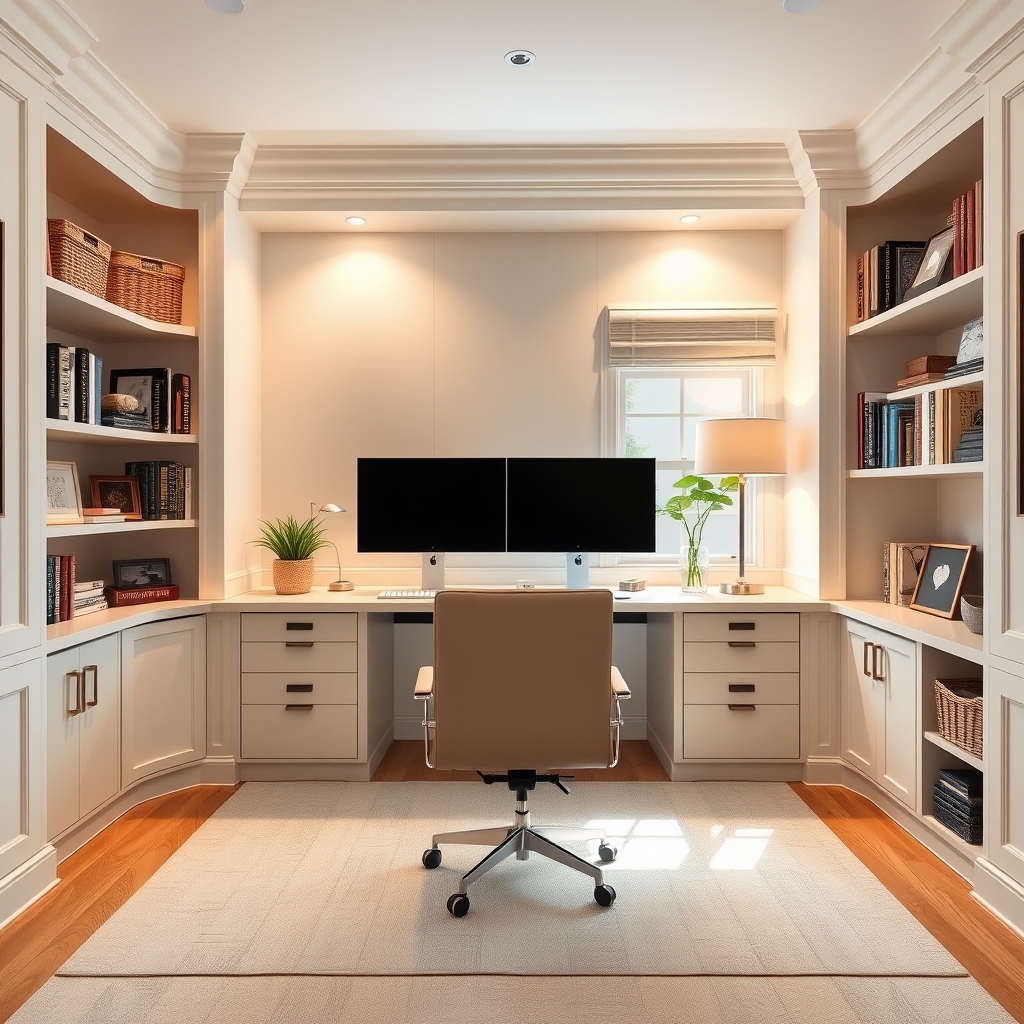
Proper maintenance keeps your home office built-in desk looking and functioning great for years. Dust surfaces with microfiber cloths and avoid harsh chemicals on finishes. Oil or lacquer finishes may need reapplication or touch-up every five years, especially on high-touch areas. For hardware (hinges, glides), periodically tighten screws and check that mechanisms glide or open smoothly—if not, ask for warranty service.
Expect a 5-year hardware and finish warranty from reputable installers; premium structural warranties can reach 10 years.[Source] Hand-finished, professionally installed built-ins typically last longest and wear most gracefully, maximizing both ROI and daily satisfaction. Thinking of a future upgrade? Plan for resale by choosing classic styles and flexible layouts—just as you would with premium flooring or appliances. For more lasting upgrades, see our LVP flooring durability guide.
FAQ
What is the typical cost range for a home office built-in desk?
Mid-range custom installations cost $1,500–$3,000, while premium hardwood and fully custom projects range from $3,000–$6,000. Modular DIY kits start near $800. Final price depends on size, materials, finish, and professional labor.
How long does installation take?
Professional installs usually span 2–4 days, covering design, fabrication, assembly, and finishing. Modular or semi-custom setups can often be completed in 1 day.
Is a built-in home office worth it for resale value?
Yes—a professionally designed home office built-in desk yields a reported 3–5% increase in resale value with an average ROI of $4K–$6K, and buyer appeal remains high in markets seeking flexible workspaces.
How do I plan effective cable management for my built-in desk?
Integrate cable grommets, under-desk trays, and concealed channels into your plan before installation. Also, add power strips or surge-protected outlets where devices will actually be used.
What maintenance is needed for long-term durability?
Regular dusting, prompt cleaning of spills, periodic touch-up or refinishing for wood surfaces, and checking/tightening hardware will maximize lifespan and warranty coverage.