

Table of Contents
smart home hub installation is now a must-have for modern homeowners seeking reliable automation, real cost savings, and future-proof security—but typical guides rarely give you trustworthy numbers, easy troubleshooting, or realistic solutions for blending new tech with older devices. Here’s an up-to-date, homeowner-focused roadmap to get your system working smoothly and securely in 2026.
Key Takeaways
- By 2026, most smart home hub installations cost $3200–$3500 with energy savings of 8–10% per year, but blending DIY with pro help can lower your investment by up to 30%.
- Matter 1.5 unlocks cross-vendor device control, but older devices and legacy wiring often require bridges or adapters—these integrations are still the main homeowner headache.
- Routine cybersecurity steps—like regularly updating firmware and segmenting your network—are critical, since the average US smart home faces 29 cyberattacks per day.
Why Upgrade to a Smart Home Hub in 2026?
Home automation is no longer a tech hobby or status symbol. As of 2026, smart home hub installation in the US has reached nearly 60% adoption (SQ Magazine). Over half of these homes rely on a dedicated hub, not just scattered DIY gadgets. Why? Hubs deliver three key benefits: unified app and voice control, faster device communication, and tighter, more reliable security.
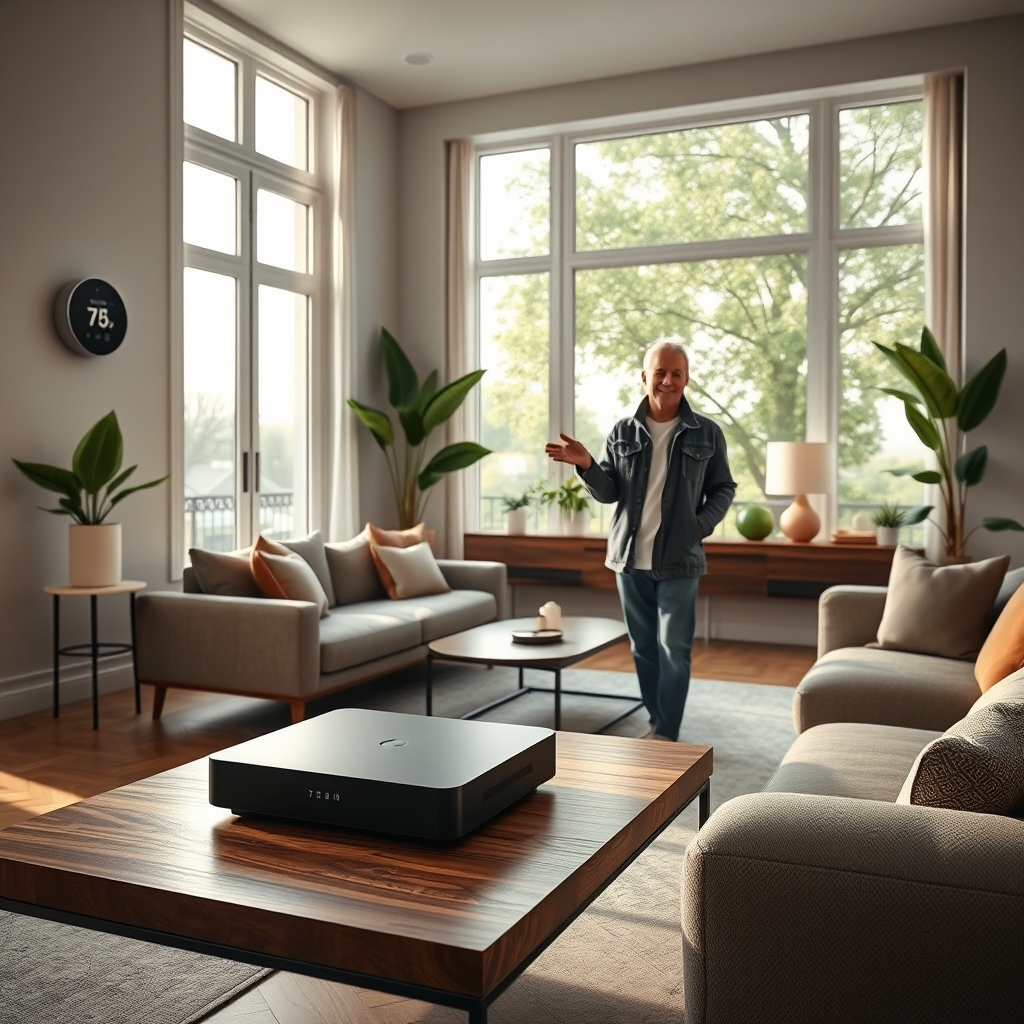
Unlike isolated smart devices—like a random smart bulb or plug—an actual hub-based home automation system setup weaves lighting, locks, sensors, cameras, and thermostats into one seamless ecosystem. This means:
- Automation scenes run without cloud slowdowns (lights dim, doors lock, and cameras arm instantly).
- Security is centralized, so firmware updates and alerts aren’t scattered.
- You get real, measurable energy savings: 8–10% yearly, often $50–$150 (Aker Development).
Today’s best smart home hub options (Google Home, Amazon Alexa, Apple HomeKit) support more cross-brand devices than ever, especially with the launch of Matter 1.5 and direct camera/energy controls (Maker Stations).
Bottom line: if you want hassle-free automation, control, and ROI—not tech headaches—a professional-grade smart home hub installation is the right move for 2026.
How to Install Your Smart Home Hub: Step-by-Step
A successful smart home hub installation means combining careful planning with either hands-on or hybrid pro help. Here’s exactly how tech-comfortable homeowners can nail the setup in 2026:
- Confirm the Installation Model:
- DIY: Lower cost ($0–$200 labor), but expect to handle advanced networking and security settings.
- Hybrid: Do simple pairing yourself (bulbs/plugs/cameras), but hire pros for legacy device bridging, climate controls, or custom automations. This keeps costs around $800–$1,000 for 50–80% of homes (Echelon Electric).
- Professional: Turnkey, fully warrantied ($900–$1,400+ labor), best for older homes or mission-critical systems like alarms and smart panels.
- Pick the Right Hub (and App):
- Google Home: Best if you’re invested in Nest, Pixel, or Android. Deep Matter 1.5 support.
- Amazon Alexa: Strong with Echo, Ring, and third-party devices, but Matter support is more limited for cameras.
- Apple HomeKit: Ideal for iOS users and high privacy needs—now supports Thread and secure camera feeds.
If you’re unsure, compare each platform’s real installation costs and features.
- Network Optimization:
- Hardwire the hub to your router (Ethernet) for reliability, not a back bedroom’s WiFi.
- Set up a separate WiFi SSID for your smart home devices if possible.
- Change default router and hub admin passwords, and enable WPA3 if your setup allows it.
- Device Pairing and Grouping:
- Follow each hub app’s guided steps—group devices by room, not by brand.
- Pair one room at a time, testing each after pairing. Don’t bulk-add everything at once.
- For older or non-Matter devices, use official bridges (Philips Hue Bridge, Lutron Caseta Bridge, SmartThings Aeotec, etc.).
- Automation Scenes and Energy Optimization:
- Add routines for schedules (e.g., “Goodnight” scene: locks, thermostat, lights, alarms).
- Enable auto-firmware updates for both hub and devices if possible.
- Monitor actual energy use with smart plugs or energy dashboards in the hub app—track savings over time.
- Security Hardening:
- Enable two-factor authentication (2FA) on hub admin logins.
- Check for firmware updates monthly—set a reminder, don’t rely on auto-updates alone.
- Disable unused remote access, and limit guest accounts/device shares to the minimum.
- Use network firewalls (many new routers come with prebuilt “IoT device isolation” options in 2026).
For a more technical, step-by-step security checklist, see our smart door lock guide.
- Troubleshooting:
- If pairing fails, reset the device and hub, check for firmware mismatches, or try pairing via Ethernet instead of WiFi (especially for legacy products).
- Log failures and serial numbers—bring these to pro installers if all else fails.
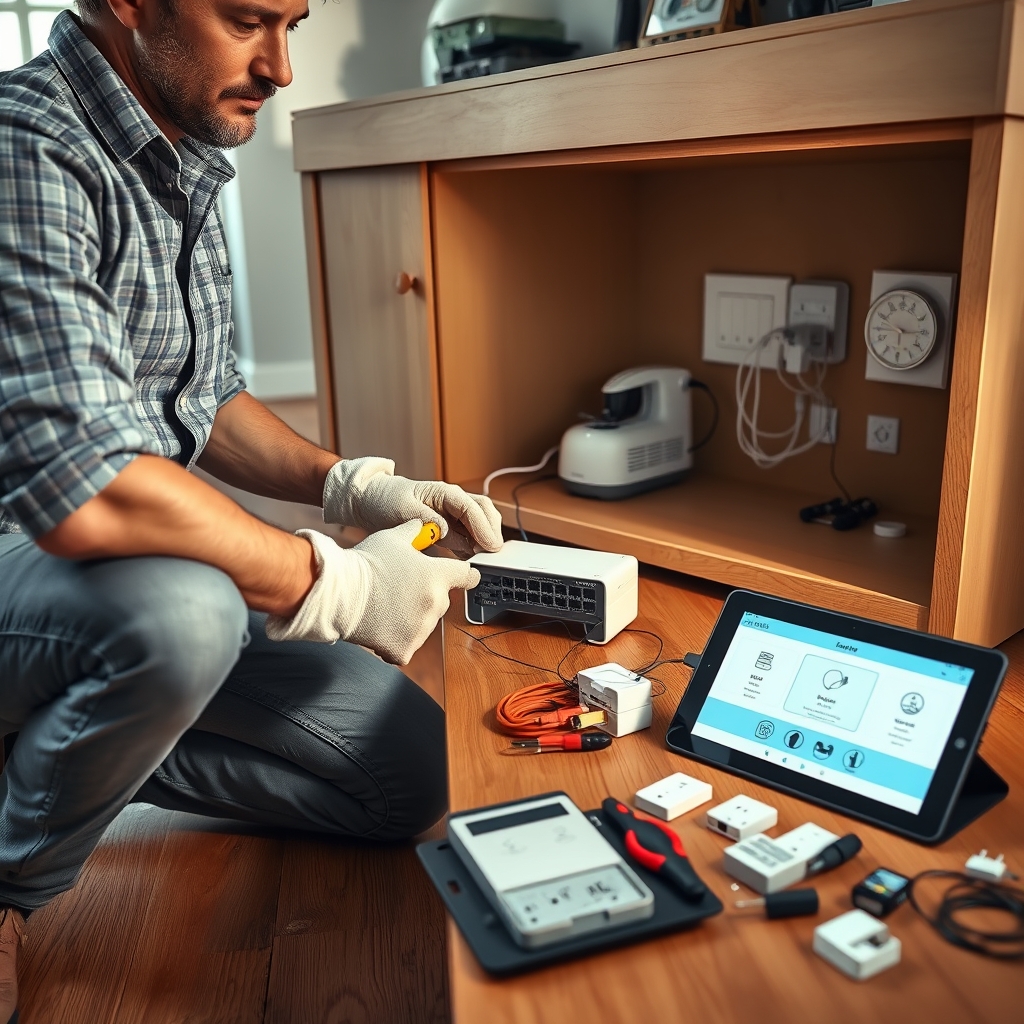
Want to automate home energy even further? Explore net-zero ready homes or smart thermostat solutions for optimal ROI.
Smart Home Hub Pitfalls: Pain Points and Solutions
Even with Matter, most “easy” installs hit serious snags—especially retrofitting older homes, integrating non-standard gadgets, or ensuring cybersecurity. Here’s what to expect and how to avoid the biggest mistakes:
- Legacy Device Compatibility: Not all old smart plugs, light switches, or legacy security systems play well with 2026 hubs—even if they claim Matter or Zigbee support. A 2026 market report says over 51% of new installs are retrofits and legacy integration is still “consistently frustrating”.
- Setup Complexity: Over half of homeowners find DIY installs “too technical”. Hybrid install models (DIY basic, pro for advanced/retrofit) resolve this—saving 20–30% cash over all-pro jobs. Insist your installer provides post-install support.
- Cybersecurity Gaps: The average smart home installation faces 29 distinct cyberattack attempts per day, but most DIYers skip basic steps like changing all admin passwords, segmenting the home network, or scheduling ongoing firmware updates.
- Ongoing Maintenance: Devices and hubs need updates at least every 30–60 days. Ignore this, and your home is open to malware or remote hijacks. Set reminders on your phone and audit your hub firmware regularly.
- Energy Savings Overstated: True ROI only comes with both smart thermostats and coordinated lighting control—not just one or two “smart” switches. Homeowners who automate both see real savings: $150/year on average (Maker Stations).
| Feature/Model | DIY Only | Hybrid Install | Professional |
|---|---|---|---|
| Total Cost (2026 avg) | $1500–$2200 | $2200–$2900 | $3200–$3500 |
| Pros | Lowest upfront cost; All flexibility | Cost savings and pro-level problem solving; Best for legacy/complex homes | Turnkey, guaranteed, minimal user effort |
| Cons | Steep learning curve; security risk; no support | Some DIY learning required; must coordinate with pro installer | Highest cost; must trust installer expertise |
| ROI Potential | High, if properly researched and maintained | Maximum, balances cost/maintenance/support | Good, but higher payback time |
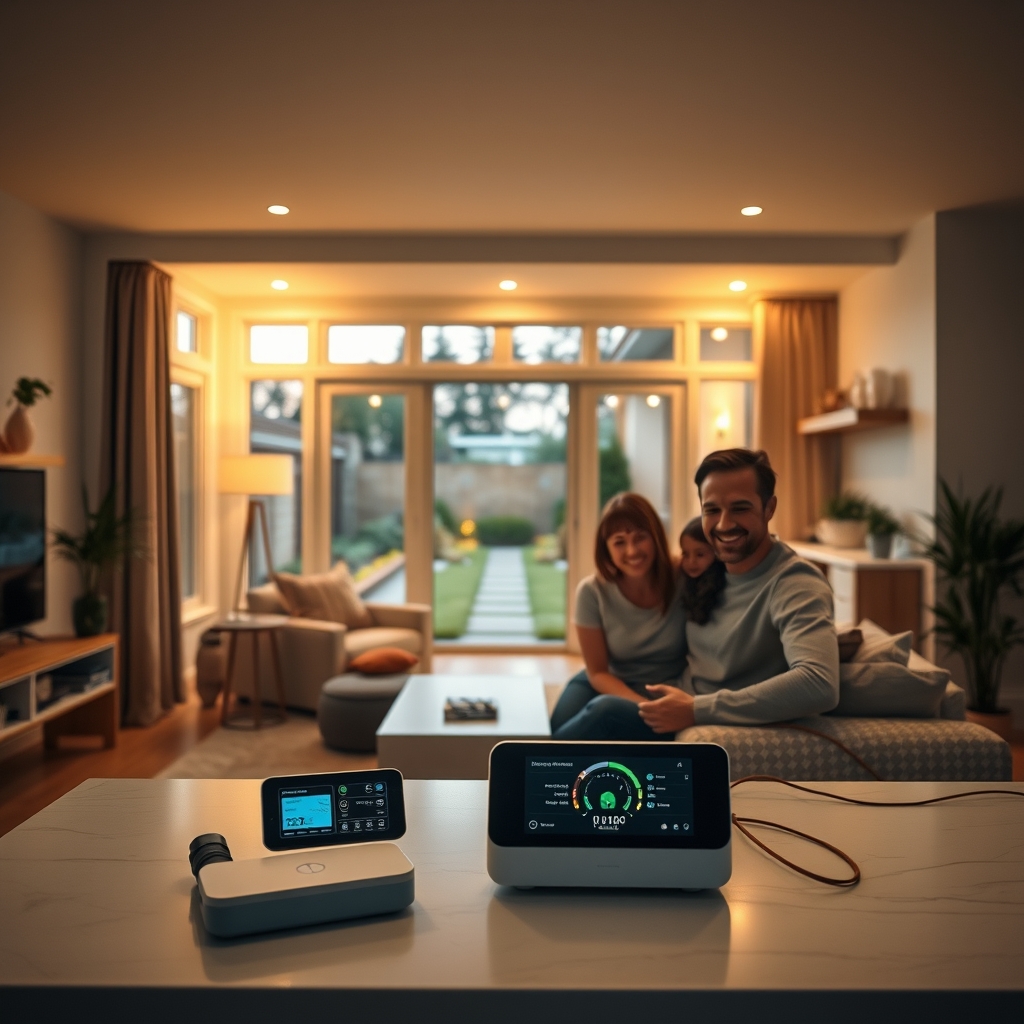
If you need to connect to legacy home wiring, older alarm panels, or non-Matter climate controls, always budget extra for official bridges or a brief pro assessment. Explore more on smart home panel upgrades or outdoor smart tech for advanced use cases and support options.
Conclusion
Smart home hub installation is now as much about cost control and cyber-hardening as it is about automation. By planning your system with compatibility and ROI in mind, blending DIY work for basic devices with professional help for complex tasks, and sticking to monthly security updates, you’ll maximize value and avoid the top pain points in 2026. Ready to automate your home? Start your smart home hub installation today and take the first step toward a safer, more efficient future.
FAQs
How much does it cost to install a smart home hub in 2026?
Average whole-home installations, including the hub, lights, sensors, cameras, locks, and thermostats, run $3200–$3500. Going hybrid or DIY with easy devices can reduce that by 20–30%.
Are older devices compatible with a new smart home hub?
Many pre-2025 devices require separate bridges or adapters, especially for Z-Wave, Zigbee, or proprietary WiFi gadgets. Check manufacturer lists and consider pro help for complex retrofits.
What are the top security tips for my smart home hub?
Always change the default admin password, enable 2FA, schedule firmware updates monthly, and use a separate WiFi network for smart devices wherever possible.
Is professional installation worth it?
If you have legacy wiring, older security or climate systems, or want maximum reliability, hiring a smart home installation service makes sense. Hybrid models give the best balance for most homeowners.
Will I really save money on energy bills?
Yes—but only if you automate both thermostats and lighting, actively monitor settings, and keep your firmware up to date. Typical savings are $50–$150 per year on energy, more with advanced setups.